What is PhotoLibrarian?
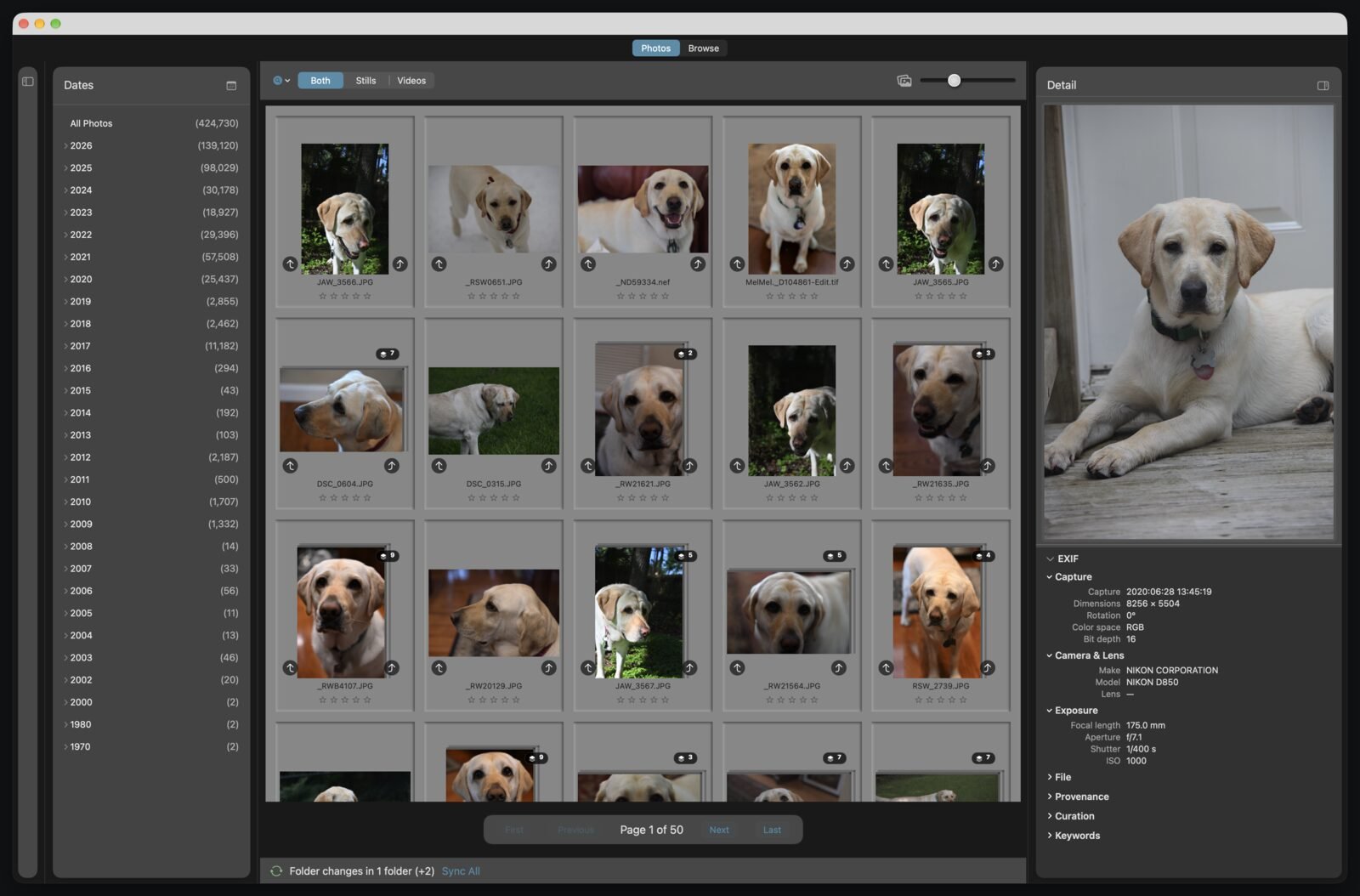
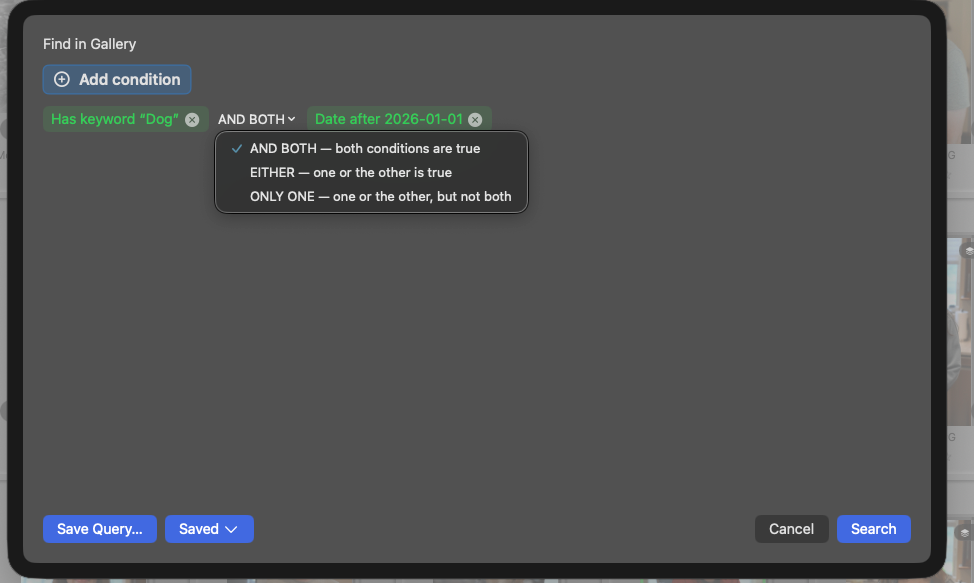
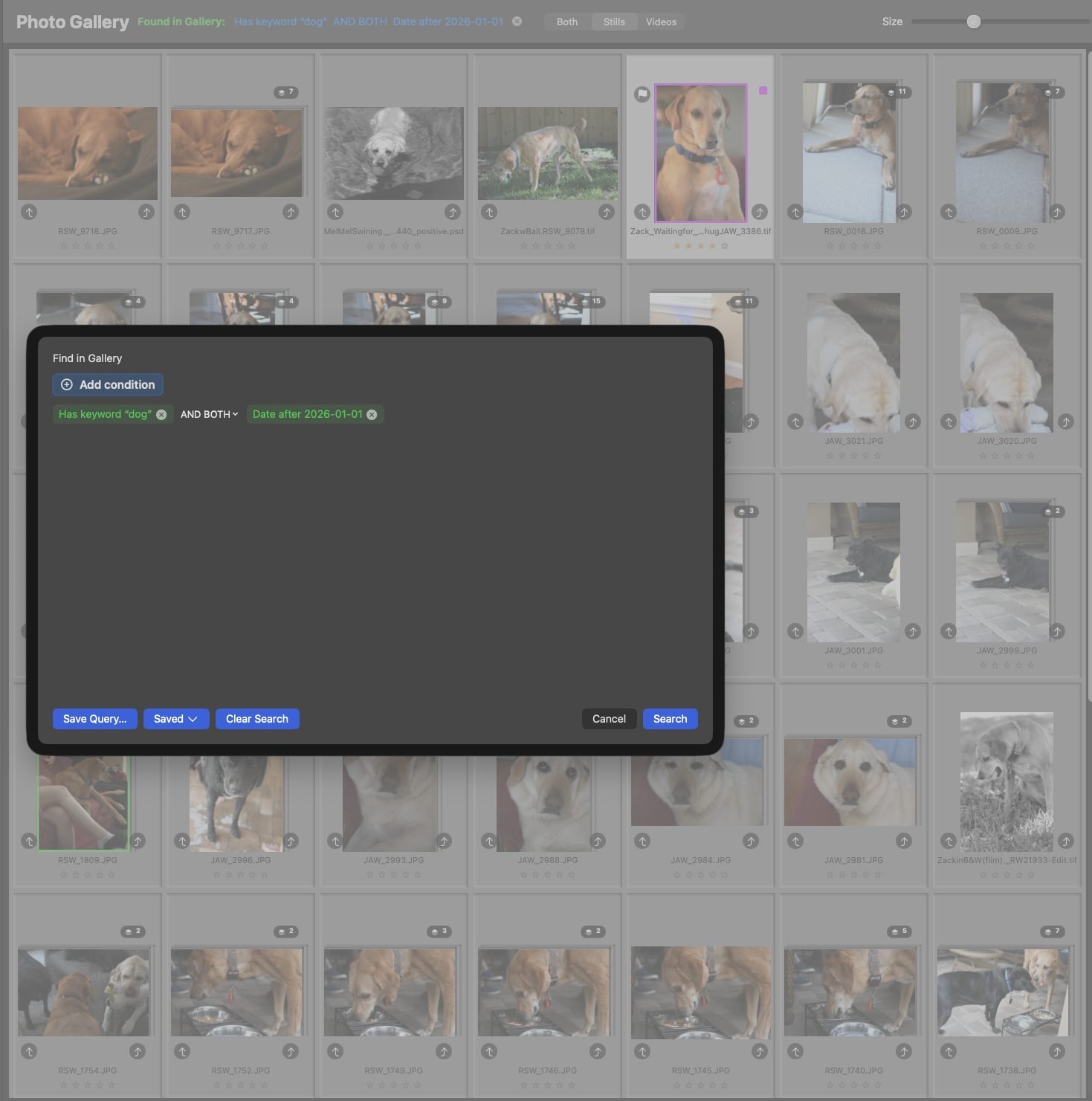
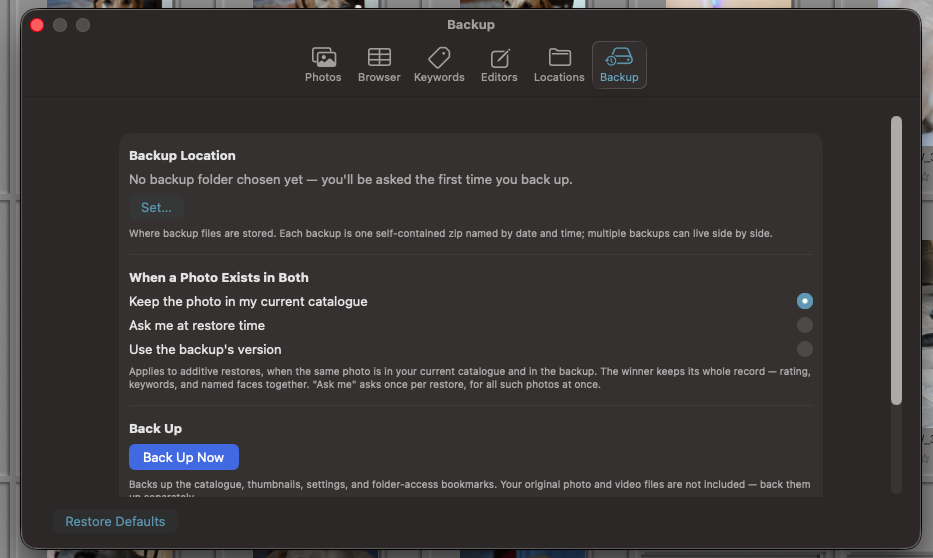
A photo organizer for the Mac: digital asset management for your photographs and videos. It catalogs the photos on your drives, NAS, Apple Photos libraries, and Lightroom catalogs where they already are. Then it finds anything with queries that read like sentences, recognizes faces and writes its own keywords on your Mac, copies and de-duplicates, and backs up the whole catalog.
Does it move or change my photos?
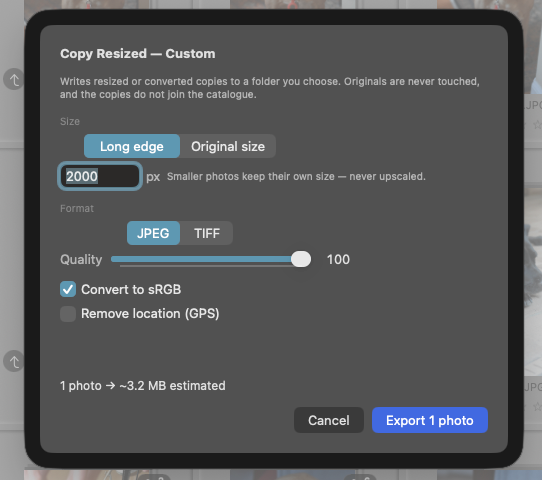
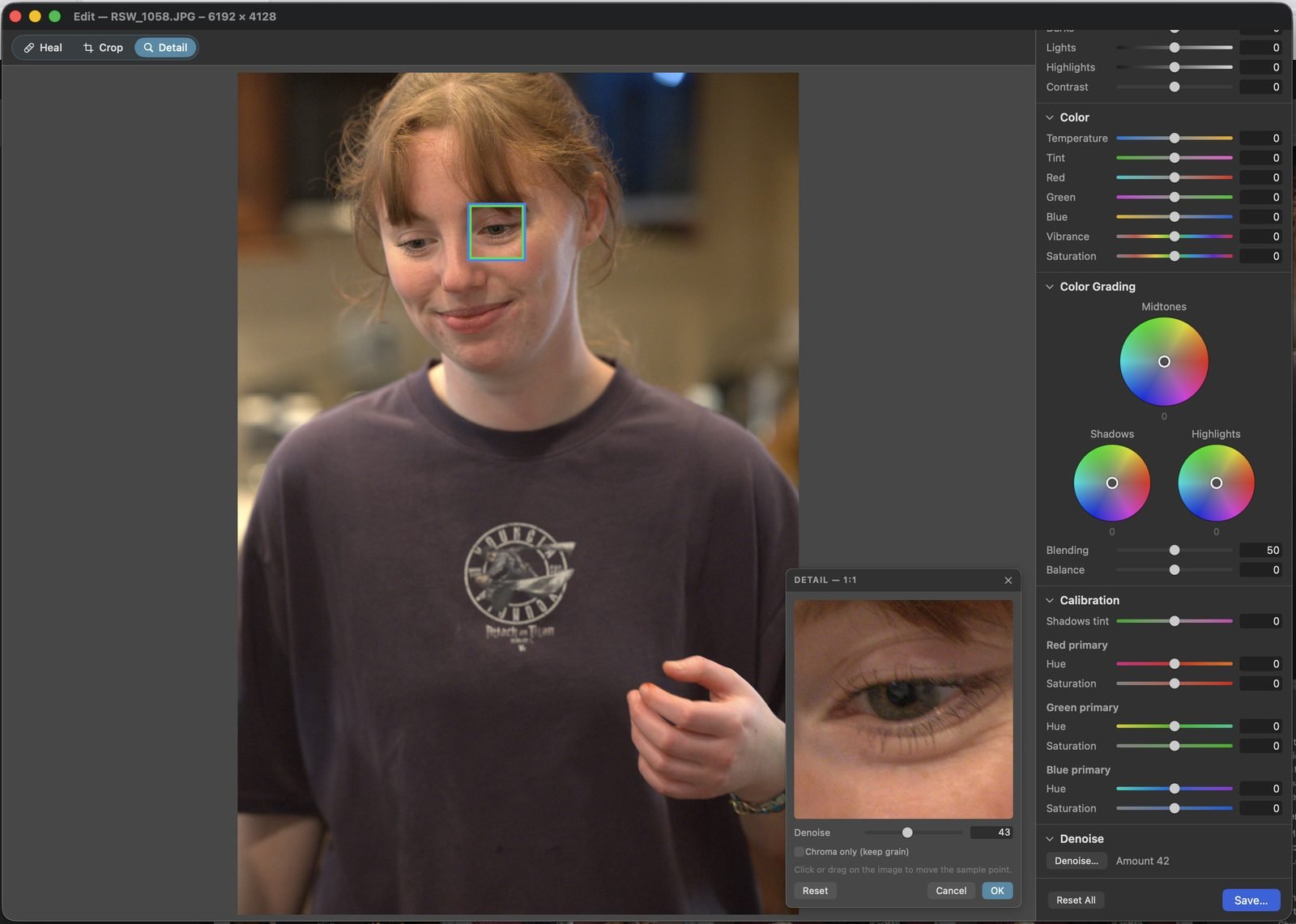
No. It catalogs your files where they are; nothing is moved, converted, or reorganized unless you ask. Edits are saved as new files, the editor refuses to save over the photo it is editing, and copies never replace anything. Remove from Catalog never deletes, moves, or renames a file.
Can it organize photos on external drives and a NAS?
Yes. It catalogs whole drives and NAS folders in place. A disconnected drive's folders stay in view, and an unplugged drive can never read as a mass deletion. Moved a folder? Point the catalog at its new home, with no rescan.
Will importing my Lightroom catalog change it?
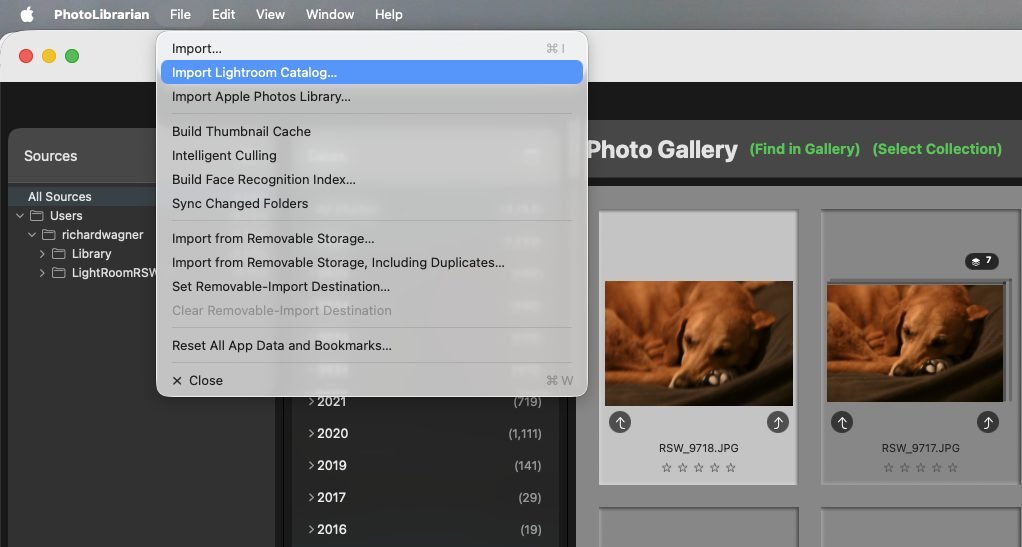
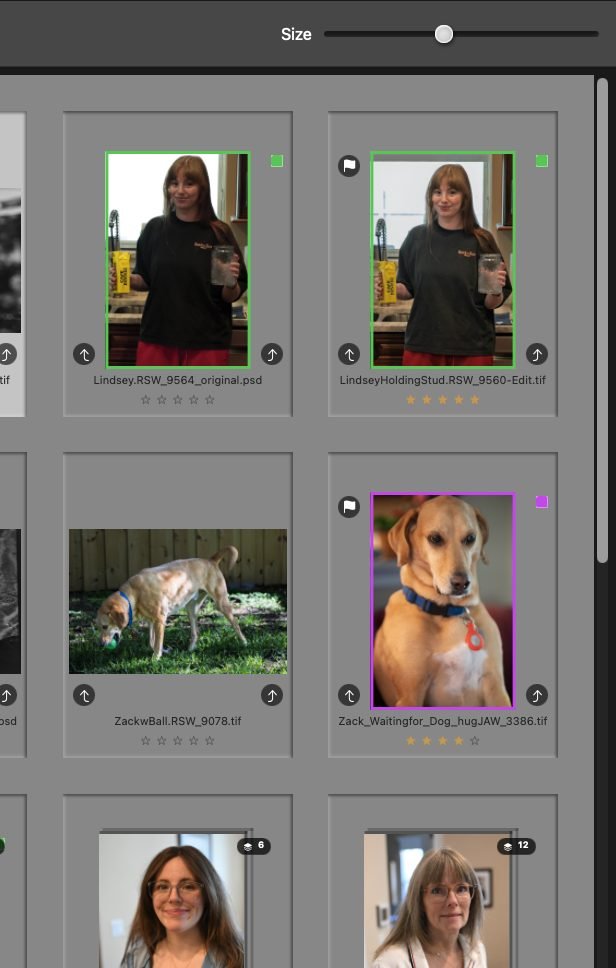
No. PhotoLibrarian opens the catalog strictly read-only and never writes to it. Ratings, flags, color labels, keywords, and collections come across, smart collections become saved queries wherever their rules translate, and Lightroom's own previews are reused. Lightroom keeps working exactly as before.
Does it find duplicate photos?
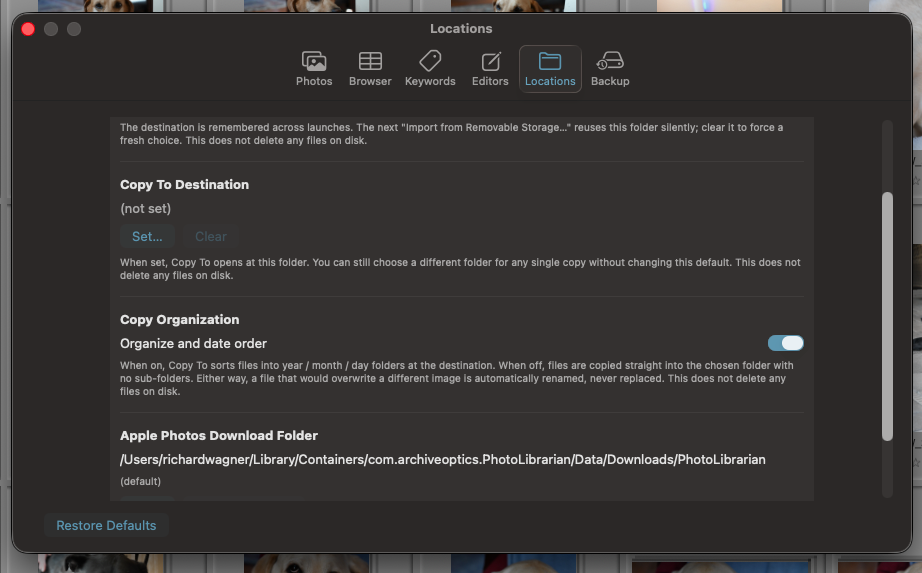
Yes. Duplicate copies across drives fold to one, and bursts and near-identical shots collapse into similar-photo stacks. When you copy a collection to one place, de-duplicate on the way, or keep every duplicate. Your call.
Can I search my photos by describing them?
Yes. Type a description such as “a black dog” or “snow on trees,” and PhotoLibrarian finds the photos that show it, best match first. It looks at the pictures themselves, not at keywords or file names. Right-click any photo and choose Find Photos Like This One to find others that look like it. The image model and the search index stay on your Mac.
Does face recognition send my photos anywhere?
No. Face recognition runs on your Mac, on its Neural Engine. PhotoLibrarian has no network access, macOS itself blocks it from connecting to the internet, so nothing is uploaded or shared. If an original lives only in your iCloud or Dropbox, PhotoLibrarian asks first, and macOS downloads it from your own account.
How many photos can it handle?
It has been tested past a million photographs. Photos appear the moment the app opens, even in a catalog of more than 400,000 photos and videos.
What Mac do I need?
A Mac with Apple silicon (M1 or later) and macOS 14.6 or later. The heal's fill model and AI denoise need macOS 15.
Where can I buy it?
PhotoLibrarian is coming to the Mac App Store as a one-time purchase, with no subscription. To hear the day it ships, email info@archiveoptics.com.
 ArchiveOptics